ArticlesNew
Craft Your YouTube Stream: a 24/7 AI Radio Channel with a Living Background
Build a 24/7 YouTube music stream with Tunio: AI music and hosts, an animated background from a prompt or your own picture, cloud restreaming to YouTube, Twitch and Kick. No OBS.
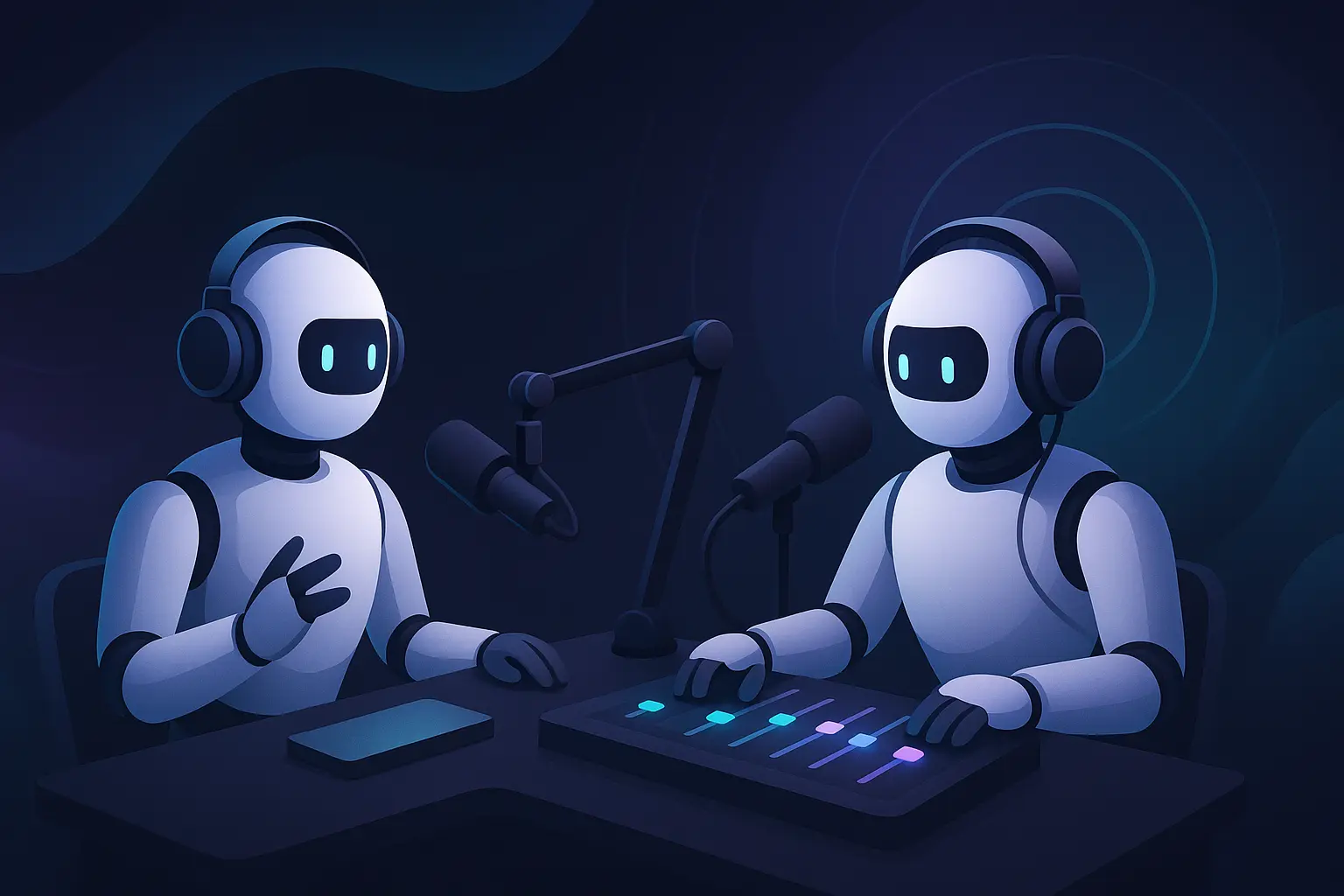
Creating your own online stream is easier than ever
Your Personal Stream in Just a Few Clicks
Imagine: you have your own stream that runs 24/7 on YouTube, Twitch, Kick or any other platform, and doesn't need you at the desk. Sounds like a dream? With Tunio, it's reality.
Tunio builds the whole stream for you: the sound, the picture and the delivery to video platforms. Want a Lo-Fi stream for programmers with rain on the window? A jazz station for evening relaxation with lamps glowing in a café? A morning pop stream with weather announcements? You describe it, Tunio puts it on air and keeps it there — from the cloud, with your computer switched off.
What Makes Your Stream Come Alive
🎙️ Virtual Host
No one will guess there's no human in the studio. Our AI host introduces tracks, makes announcements and keeps the atmosphere of a real stream.
🎵 Smart Playlists
Choose music genres from an extensive library: from lo-fi and ambient to jazz and electronic. Set up timeslots for different times of day — energizing music in the morning, relaxing in the evening. The system creates smooth transitions between tracks automatically.
🛡️ Copyright-Free Music
All music in the Tunio library is licensed for streaming. Your streams on YouTube, Twitch and other platforms stay safe — no bans or blocks for copyright violations.
📢 Announcements and Advertising
Add ad blocks, event announcements or simply informational messages. Everything plays at the scheduled time.
🔊 Jingles and Intros
Create a signature sound with jingles, intros and sound effects between tracks.
A Living Background Instead of a Frozen Frame
YouTube, Twitch and Kick only take video, and a static picture looks like a dead stream: viewers think it's broken and leave. In the Video backgrounds section of the dashboard you get a background that moves:
- Catalogue — ready-made animated scenes: rainy city windows, snowy streets, neon, cozy rooms.
- Generate — describe a scene in words and pick a style (realism, anime, lo-fi, neon and others). Tunio draws it, and you can add reference photos so the people, objects and places on them appear in the scene.
- Your own picture — upload any image and Tunio brings it to life. Animating your own picture is free.
Then make the copy you need: Animate finds lamps and lit windows, screens, fire, smoke and steam, the sky, water and leaves in the picture and brings them to life; you only choose the weather — rain, a thunderstorm or snow — and how heavy it is. A live copy adds a slow parallax camera move, and a copy with the station name lays your station's name over the scene.
Every background is a 20-second loop whose end flows into its start, so there's no visible seam or jump — the rain doesn't cut off and the lights don't flicker every few seconds. The same backgrounds work in restreams and on in-store screens.
Restream to YouTube, Twitch, Kick and More
The Restreams section sends your station's sound together with the background to video platforms, ready to go: YouTube, Twitch, Kick, Facebook, Telegram, VK Video Live, Rutube and any RTMP or RTMPS server.
- From the cloud, 24/7. The video is built and sent on Tunio's servers — no OBS, no streaming PC, no home internet that has to stay up.
- Multistream. Each platform is a separate restream with its own key, so the same broadcast can go to YouTube and Twitch at once. How many run at the same time depends on your plan.
- Auto-reconnect. If the connection drops, the restream comes back on its own. If a platform rejects the stream, the dashboard tells you why — a wrong key, a stream not waiting for the signal, a server that can't be reached.
- 1080p or 2K. Pick the resolution per restream; 2K is on premium plans.
More on how it works: Restreaming audio to YouTube, Twitch and Kick.
Go Live with Your Voice
Your station runs on autopilot, and when you're ready to talk, open the Live Studio and press Go live. Your voice goes into the station's broadcast and straight out to every platform you're restreaming to — no OBS, just a browser and a microphone. Guests can join by link, and listeners can chat with you during the show.
Who Is This For
Content Creators — run a background stream for your subscribers while you work on your main content.
Musicians — promote your music through a personal stream with your tracks and tracks from artists who inspire you.
Businesses — launch a branded stream for your café, club or store, with information about the company and its services.
Communities — create a stream for your Discord server, Telegram channel or any other community.
Music Lovers — share your musical taste with the world through your own stream.
Start Right Now
Creating a stream on Tunio is not a complex technical process, but a creative act. You focus on the content and the atmosphere, while we handle the technical side.
- Register at cp.tunio.ai
- Set up your stream: music, a host, announcements and jingles
- Pick a background in "Video backgrounds" — from the catalogue, generated from a prompt or made from your own picture
- Create a restream in "Restreams": choose the platform, paste the stream key and choose the background
- Turn it on — the broadcast goes out from the cloud and keeps running until you stop it
For a step-by-step YouTube walkthrough — from setting up the stream in YouTube Studio to monetization — see How to make a 24/7 music live stream on YouTube.
Your stream works 24/7, attracts new viewers and grows your community while you're busy with other things.
Ready to create your stream? Try Tunio for free and see how simple it is.